Claude Code and Codex across the company, with the controls IT asks for.
Computers share numbers only by default. Deploy the Tokaware desktop app with your device management, sign people in through your identity provider, see which computers use personal accounts, and keep every read of a conversation in the audit log.
Single sign-on, SCIM and self-hosting on Enterprise · 14 days of Business free, no card
Tokaware is independent, not affiliated with Anthropic, OpenAI, Cursor or GitHub.
What you get
The controls IT asks for
Deployed by your IT
Installers for Intune, Jamf or Group Policy, and a managed configuration: each computer connects to your organization when its person signs in, and stays connected.
The fleet
Each computer's app version, the accounts its CLIs sign in with, company or personal, and whether it keeps to your policy.
You decide what is shared
Each organization chooses what its computers share: numbers only, session titles, or conversations too, with the code they show, which also need each developer's yes. New organizations start with numbers only.
Single sign-on and SCIMEnterprise
Sign in through your identity provider with SAML or OpenID Connect, and add and remove people from Okta, Microsoft Entra ID or Google Workspace.
Two-factor and company sign-in
Authenticator-app codes and Google or Microsoft sign-in for everyone; on Business, require them and cap how long sign-ins last.
An audit logBusiness and up
Who did what and when, every read of a conversation or prompt included, streamed to your SIEM on Enterprise.
Encrypted at rest
Sign-in tokens, what computers report, conversations and policies are encrypted with AES-256-GCM, under a key kept outside the database that can be rotated.
Remote sessions
Start or continue a Claude Code or Codex session on a teammate's computer from the browser, once they turn it on, as far as your policy allows: read only, edits or full.
Your own serversEnterprise
Run it on your own servers with an Enterprise license: one container image, your database, nothing sent to us.
For your review:How we protect your dataData processing addendumSubprocessorsSelf-hosting
How it starts
Up and running in three steps
- 1
Deploy the app
Installers for Intune, Jamf or Group Policy, with a managed configuration: each computer joins your organization when its person signs in.
- 2
Connect your identity provider
Single sign-on with SAML or OpenID Connect and SCIM from Okta, Microsoft Entra ID or Google Workspace on Enterprise; two-factor and Google or Microsoft sign-in for everyone.
- 3
Set the policy
Choose what computers share (numbers only, session titles, or conversations too) and how far remote sessions may go; each developer sees what their computer shares.
Questions
What does it collect from developers' computers?
Numbers, unless you decide otherwise: tokens by project, model and day; how many prompts, edits, lines and commands; sessions and their times. No code. Session titles, and conversations with the code they show, only where the organization's policy and the developer allow it. All of it, in detail.
Do developers choose what their computer shares?
Within your policy, yes. The policy sets the most any computer shares, and conversations and remote sessions also need the developer's own yes, in the app on their computer. The app shows each person what their computer shares and which policy set it, and on Business every read of a conversation or prompt goes in the audit log.
Do developers have to install anything?
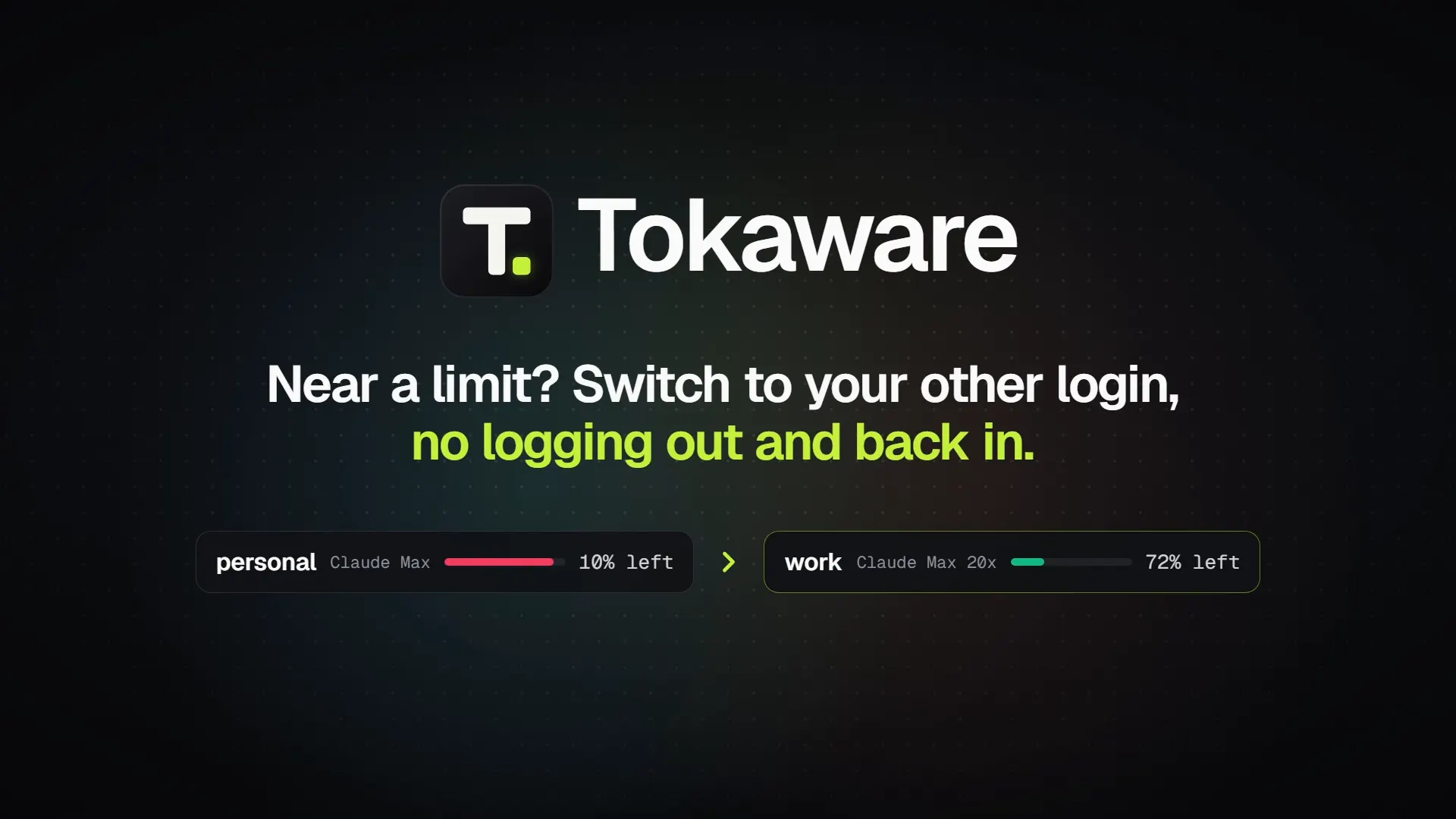
For sessions, projects and limits, the desktop app, on Windows, macOS or Linux: each person connects their own computer, or your device management installs it for everyone and connects each computer to your organization when its person signs in. It also shows each developer their own limits and switches the account Claude Code and Codex use. On Business and up, Claude Code's, Codex's and Gemini CLI's own telemetry, pushed by your device management, counts usage without it.
Can we run it on our own servers?
Yes, with an Enterprise license: one container image, your database, nothing sent to us. How it runs. Tell us about your team.
How is this different from Claude's and OpenAI's own dashboards?
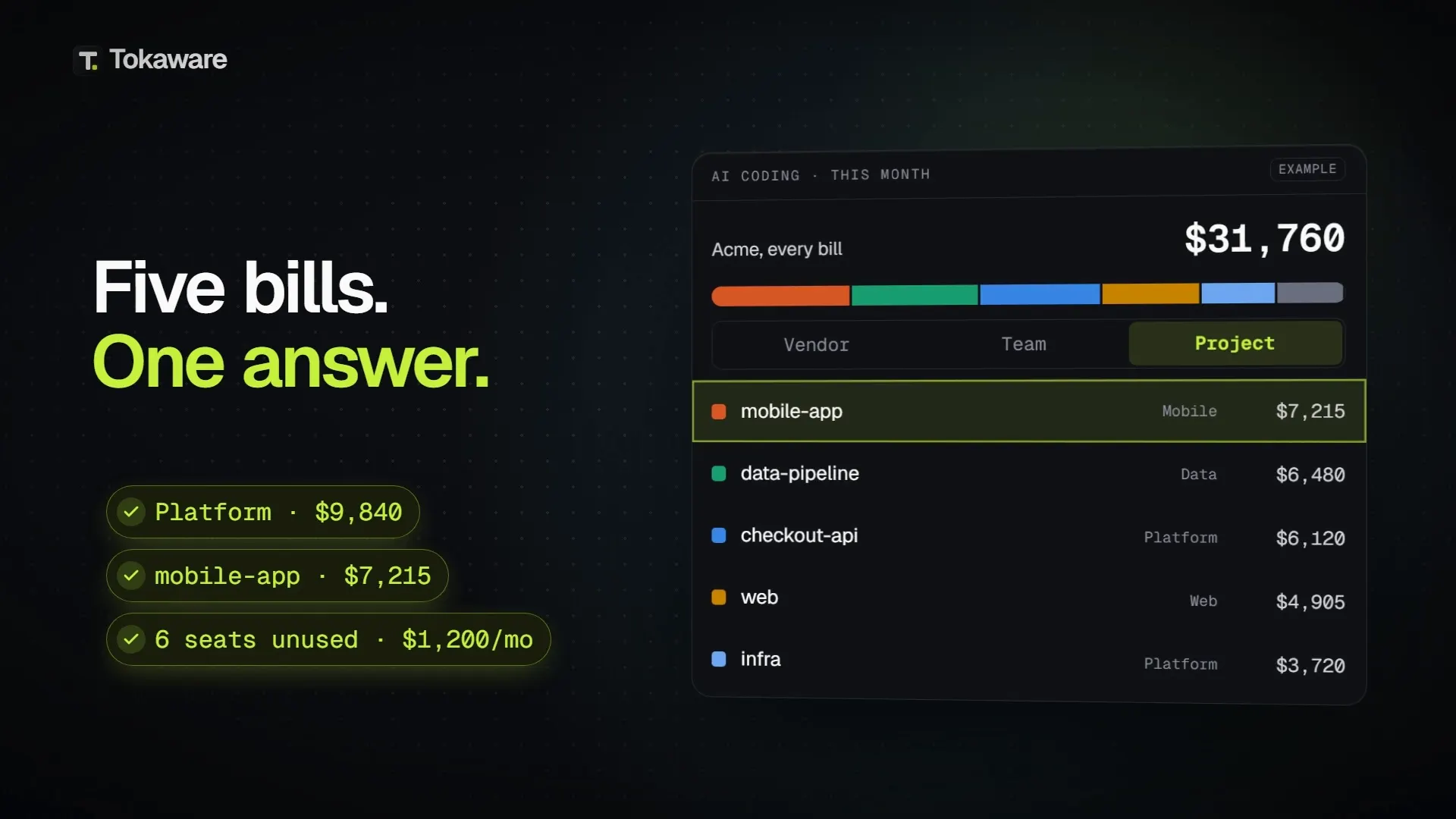
Each shows its own tool, for the accounts on its company plan. Tokaware puts Claude Code, Codex, Gemini CLI and the other coding tools side by side, with Cursor and GitHub Copilot from their bills, the personal accounts people use for work, every account's limits, and spend by person, team, project and cost center, with budgets and chargeback. What each dashboard shows.
Guides
Claude Code for teams, explained
Who it's for
See it for the other roles
See your own team's AI this week
Single sign-on, SCIM and self-hosting on Enterprise · 14 days of Business free, no card